Wiki menu
Forwarding Emails
DMS Standard Operating Procedure: Forwarding Emails in DMS to Production Teams
2.16.2026
Departments
- EDGAR
- Funds
- Typeset
- XBRL
Purpose
To establish guidelines for forwarding emails within DMS to Production teams.
Definitions
- DMS: Data Management System
Procedures
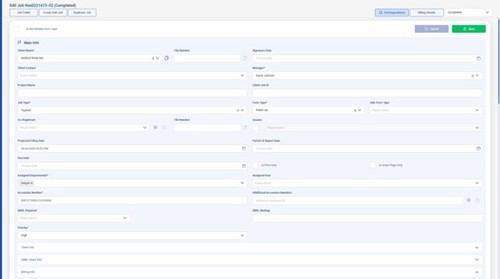
After linking the email, open the Job.
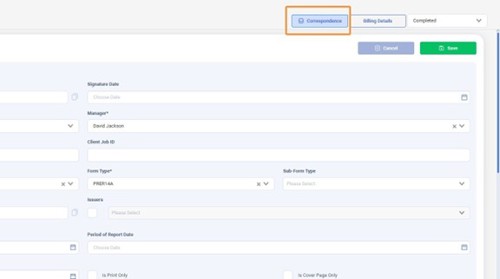
Click the "Correspondence" button.
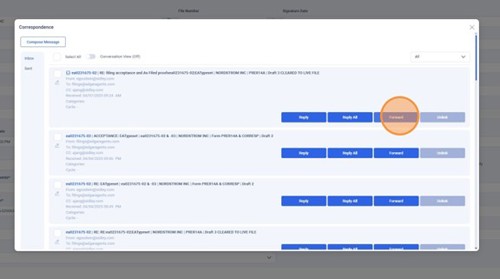
Click "Forward."
Click the "To" field.
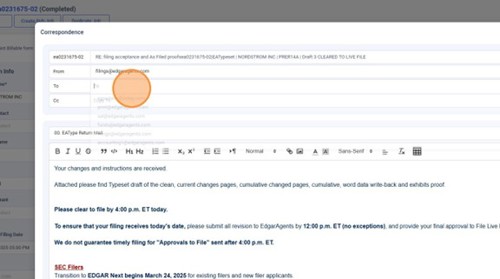
Type "efi." Click "efile.edgar1@edgaragents.com" to send to EFile
OR click "efile.type@edgaragents.com" to send to Typeset.
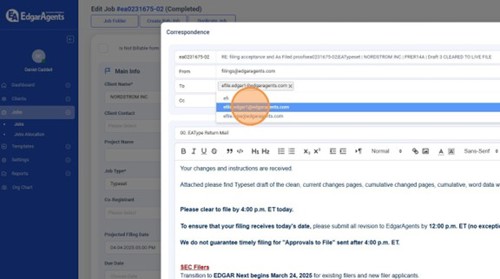
Repeat Steps 5 & 6 if you need to send to both teams.
Choose your Email Template from this search menu.
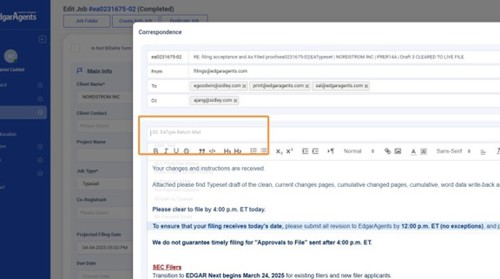
Select your chosen template from the drop-down list.
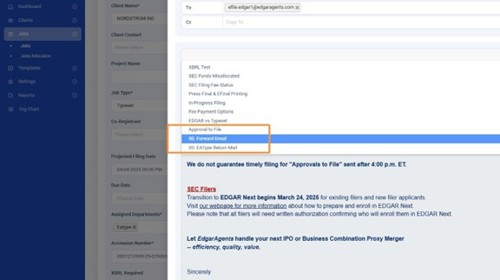
Edit text as needed.
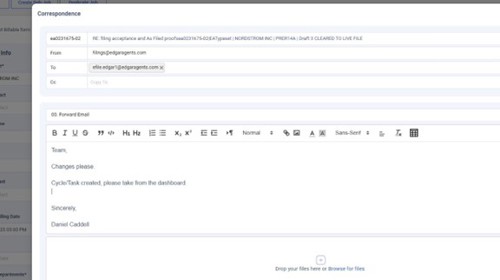
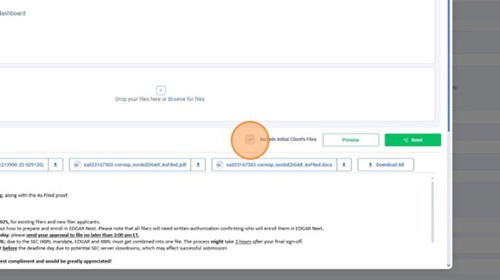
Ensure the "Include Initial Client's Files" checkbox is marked so the client's files are attached and hit "Send."